Built different
Other chat apps ask you to sign up, let anyone search for you, and keep your chats on company servers. Umbra does none of that.
There is no account, no username and no phone number. Your identity is a key made on your phone.
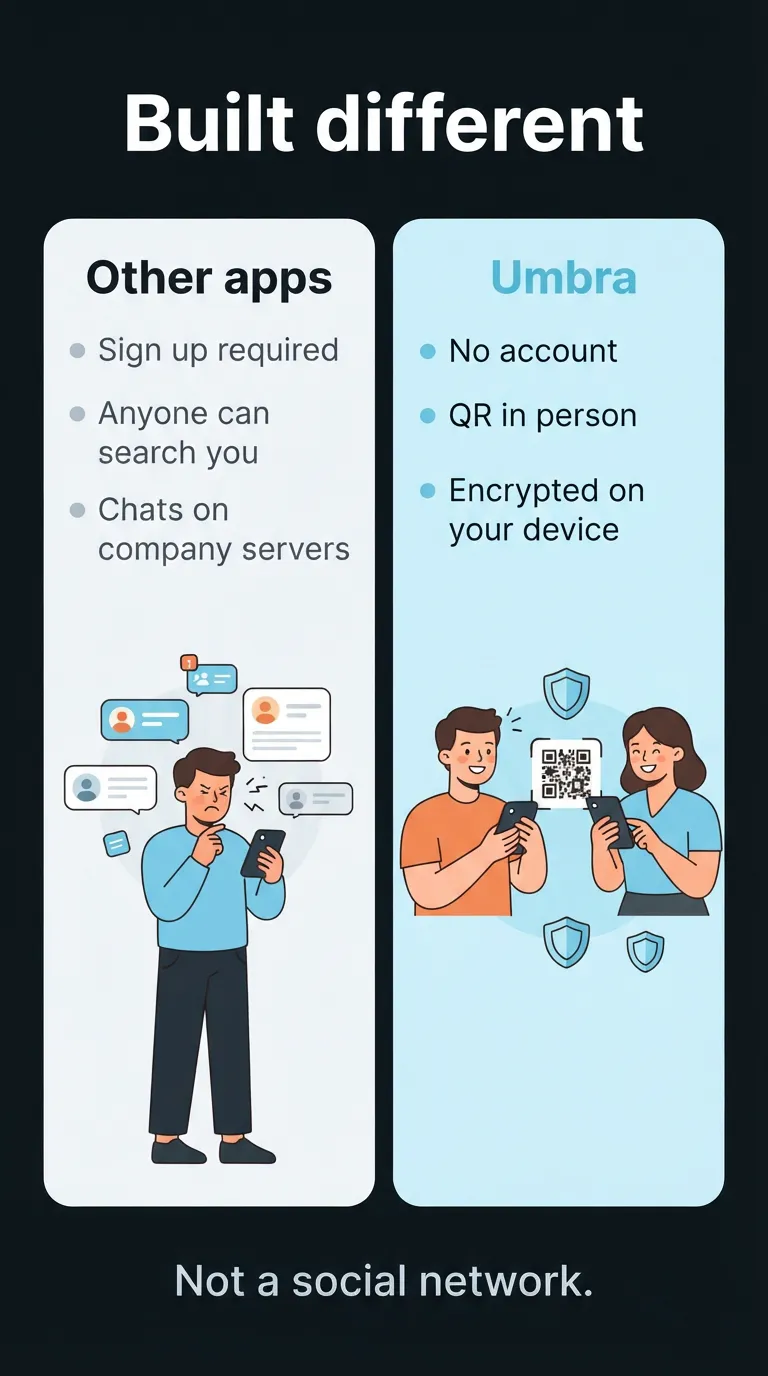

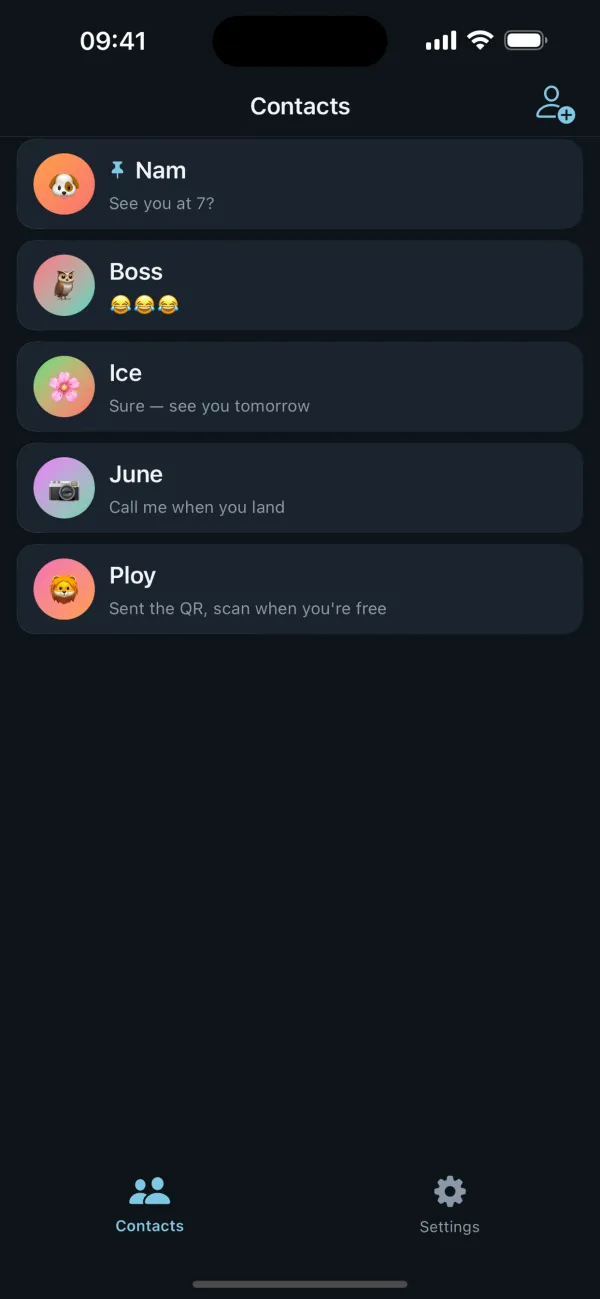
Talk to your people. Nothing else sees it. Umbra is a private chat for your inner circle — not a social network.
Other chat apps ask you to sign up, let anyone search for you, and keep your chats on company servers. Umbra does none of that.
There is no account, no username and no phone number. Your identity is a key made on your phone.
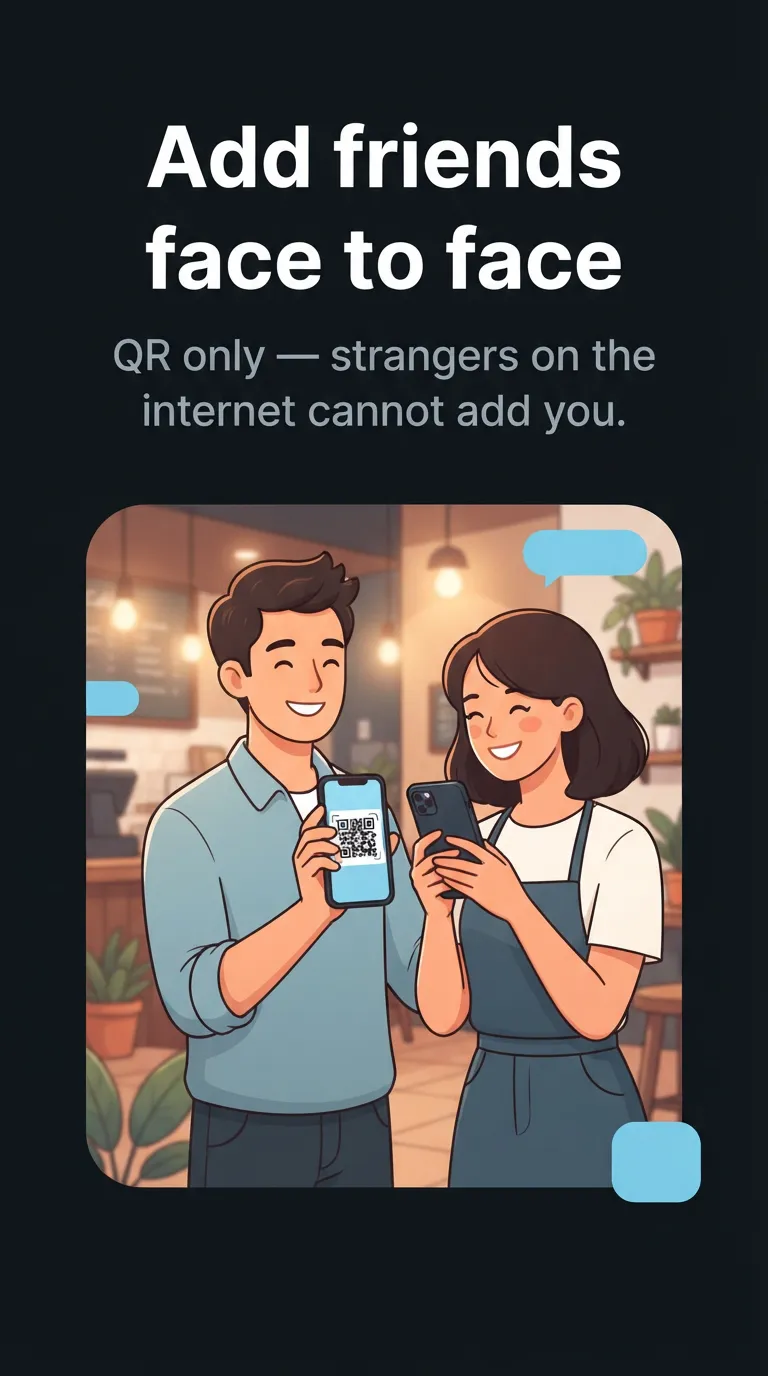
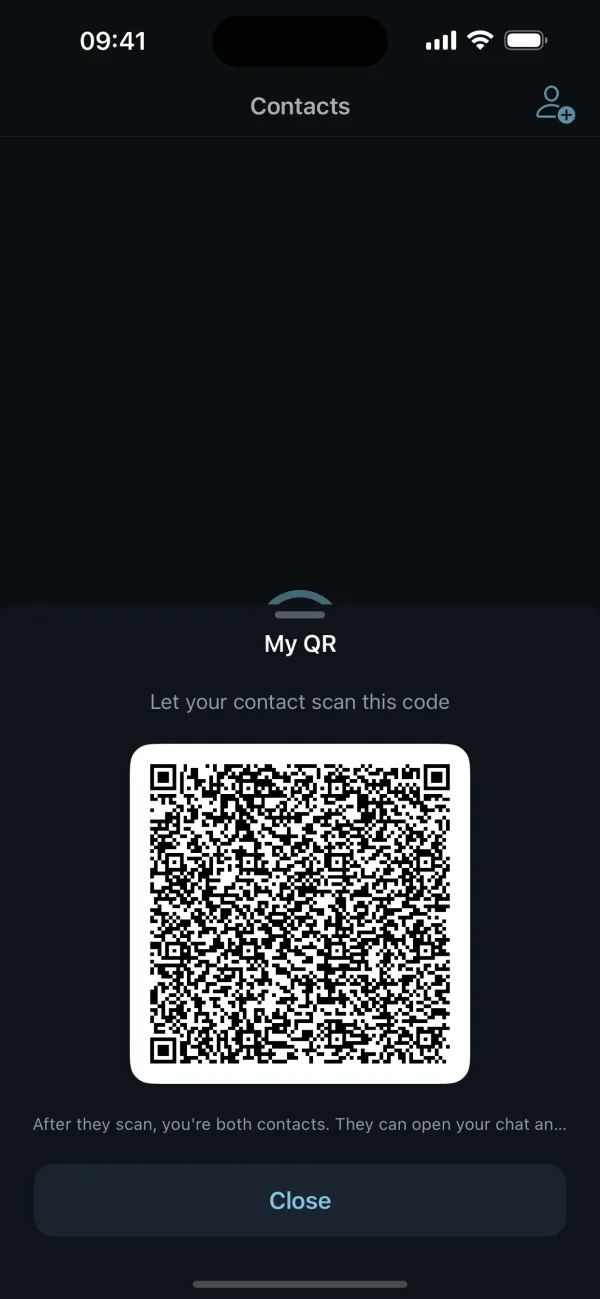
The only way into your list is a QR code, scanned while you are together in person. Nobody on the internet can find you or add you.
No directory, no "people you may know", no message from a stranger.
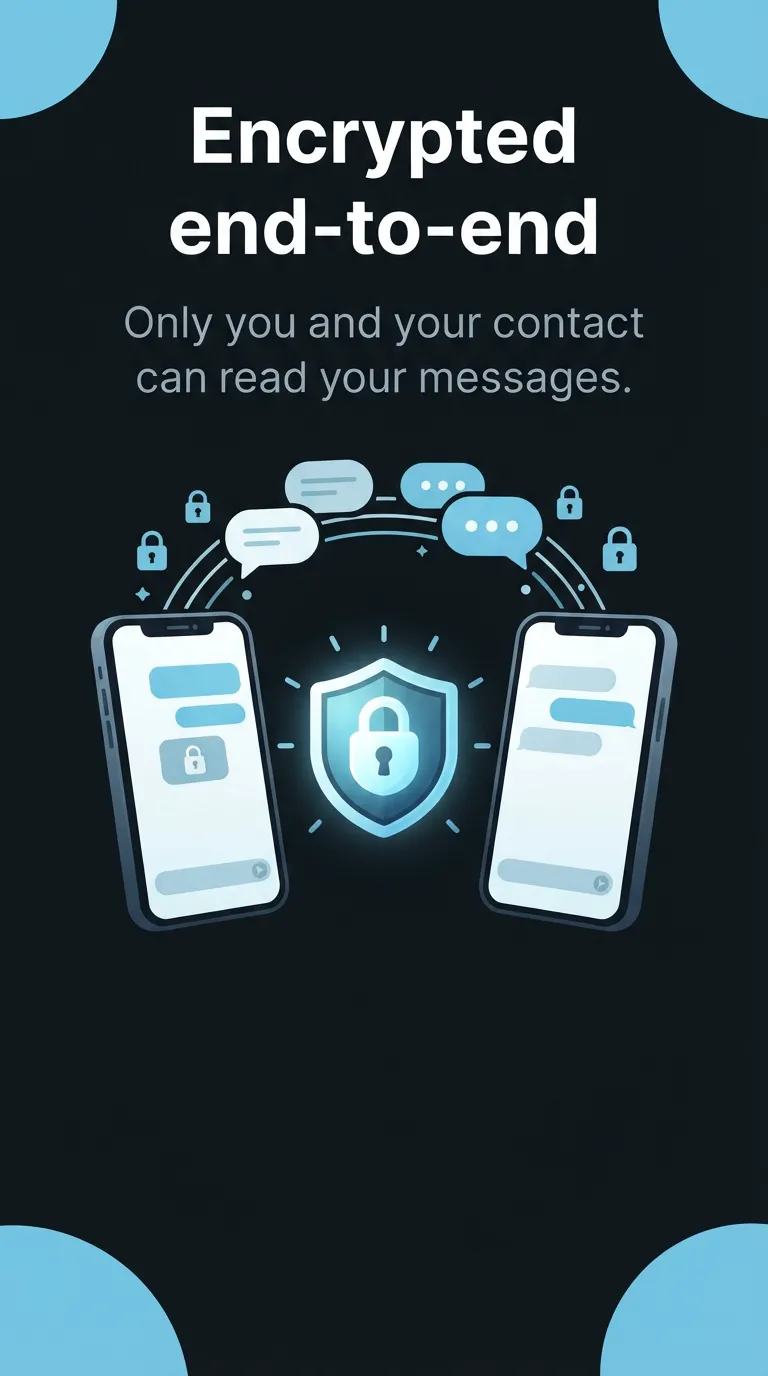
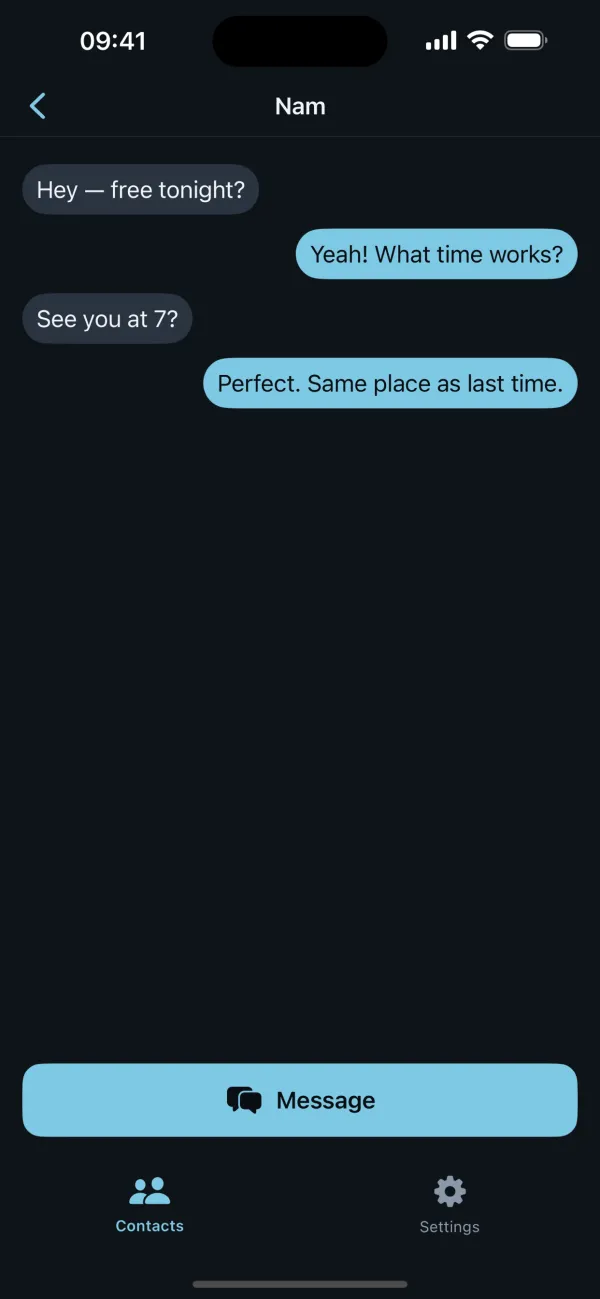
Chats are encrypted between your devices. Only you and your contact can read them — Umbra's servers never see message content.
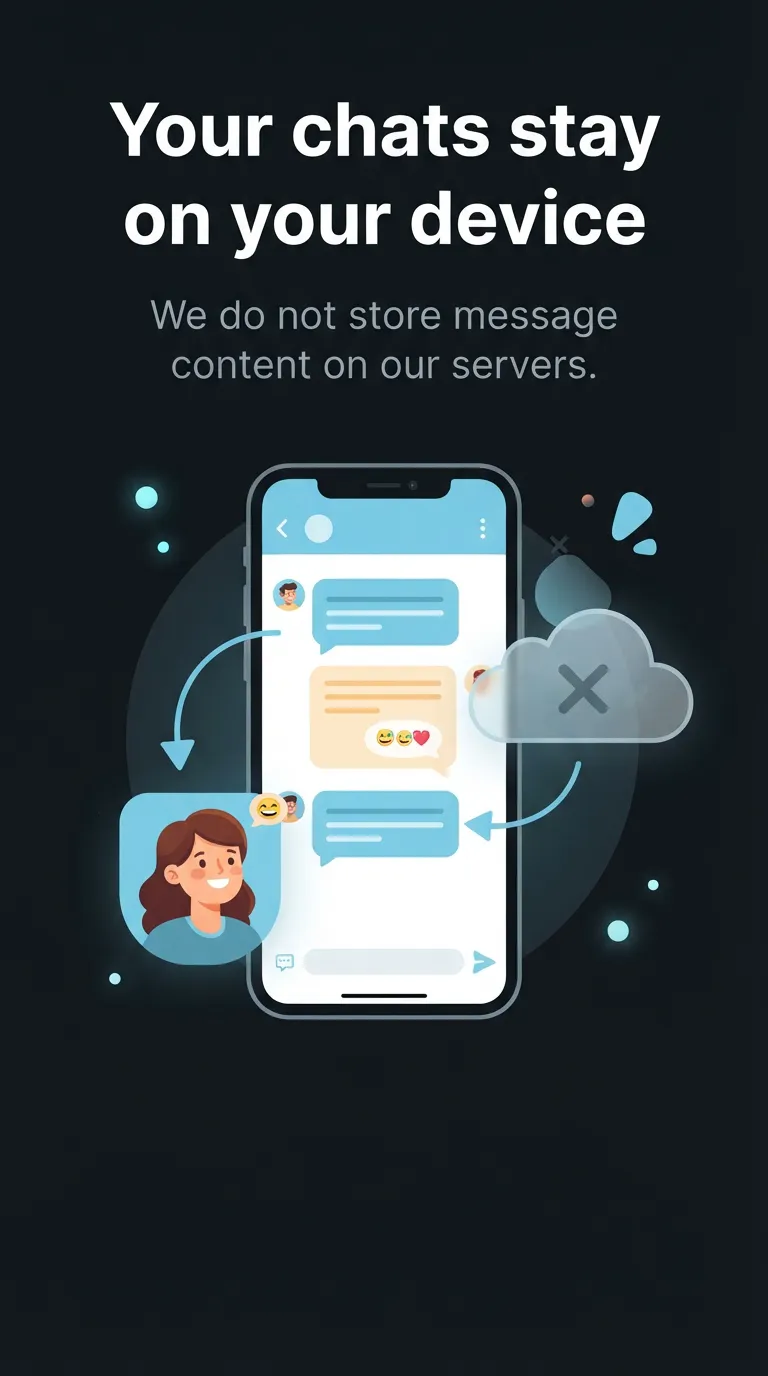
Messages are stored on your phone, encrypted at rest. Umbra has no server copy of your chats.
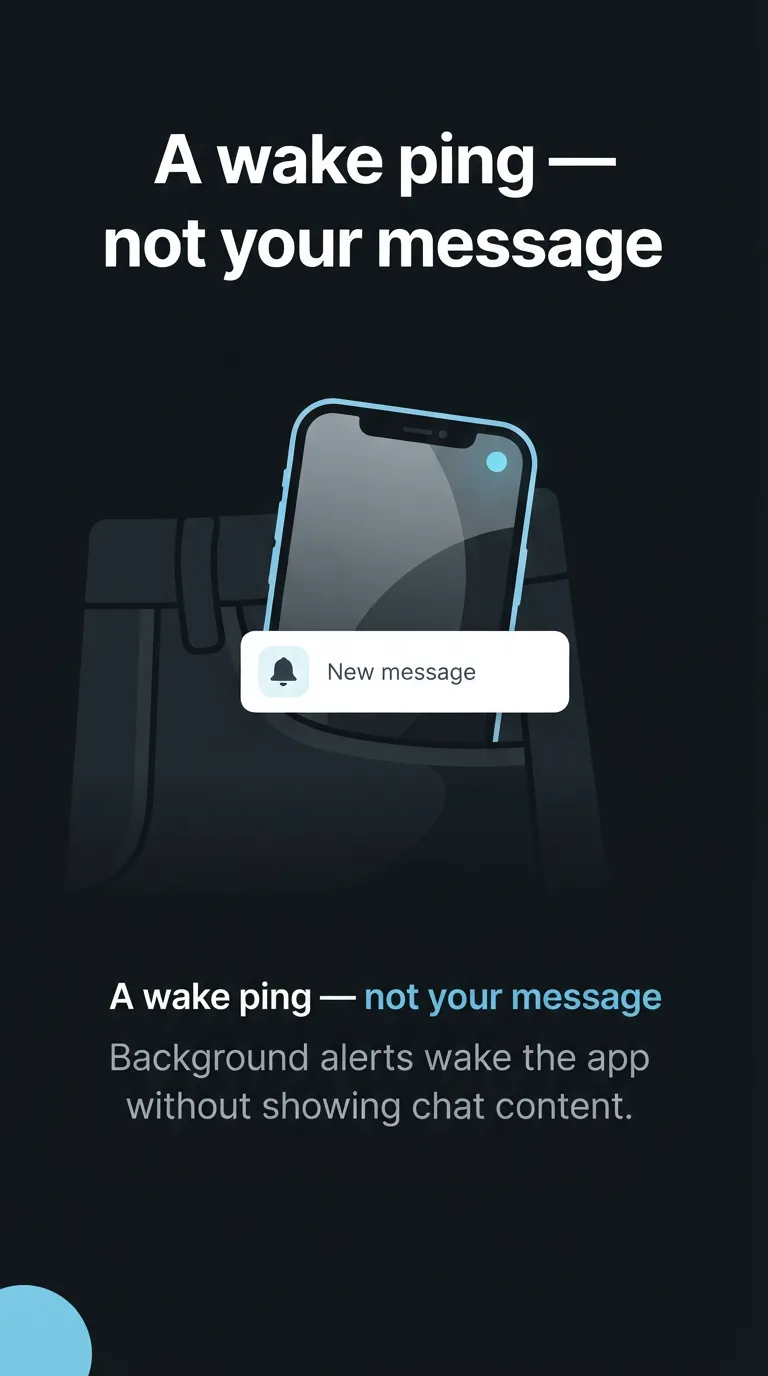
When a contact messages you and Umbra is in the background, we send a notification that only wakes the app. It never carries your message text.
Encryption and in-person add are free for everyone. Pro is for bigger circles.
$0
Forever
$4.99
One-time purchase, no subscription · local price set by your store